Screen Recorder With Transcription: How Recordly Works
DJ business
Screen Recorder With Transcription: How Recordly Works
By Tim Daymond, DJ since 1976 · Updated 22 October 2026 · 2 minute read
Norfolk’s Only Trading Standards Approved DJ · Rated 4.9 out of 5 from more than 250 reviews

A good screen recorder with transcription turns one video into several pieces of content. I tested a few before I found one I liked. Some capped recordings at a few minutes. Others stamped a logo on the finished video, or took an afternoon to set up.
Then I found Recordly inside Empirely, the platform I call my DJ’s Marketing Toolbox. Here’s how it works.
Affiliate note: links to Empirely on this page are my affiliate links. If you join through them, I may earn a commission at no extra cost to you. I only describe features I can see in the dashboard.
What Is Recordly?
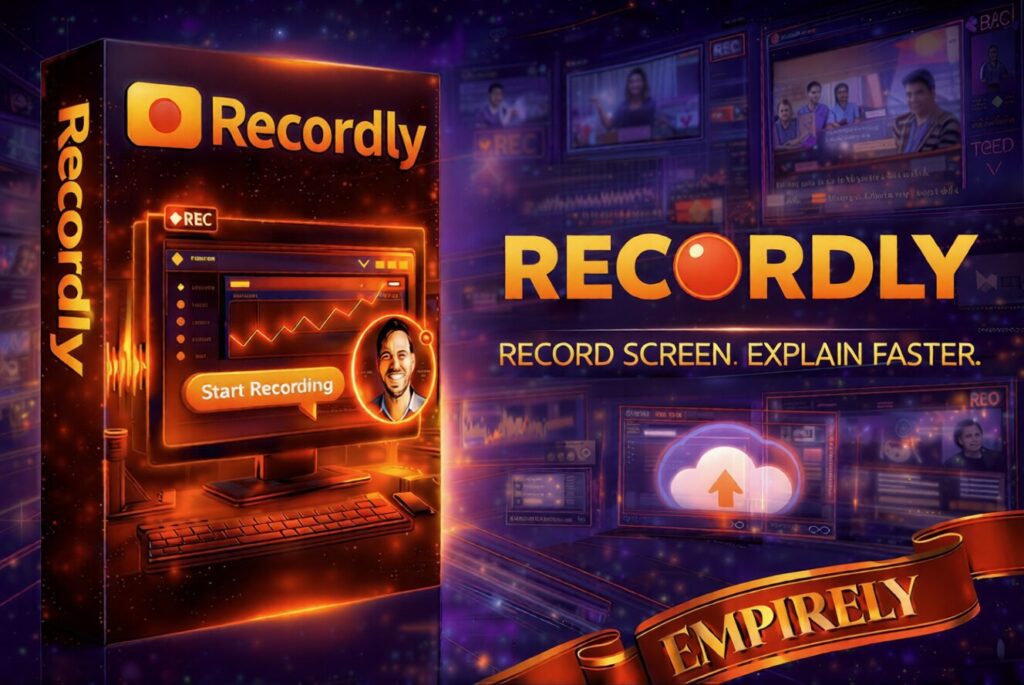
Recordly is the screen recording app in Empirely’s dashboard. It runs in your browser, so there’s nothing to download.
You record your screen and voice together. Then it writes a transcript of what you said. It works on Windows, Mac and Chromebook.
Record Your Screen in Five Steps
- Log in to your Empirely Tycoon dashboard.
- Open Recordly in your browser.
- Choose what to capture: full screen, one window or one tab, with microphone and system sound on or off.
- Press record and talk through your demo or lesson.
- Stop, then download the HD video and copy the transcript.
Screen Recorder With Transcription: Key Features
- HD recording of screen and audio in one pass.
- No watermark on your finished video.
- No time limit, whether you record two minutes or three hours.
- Call-to-action buttons inside the video, linking to a booking page or sign-up form.
- One-click sharing to embed code, email, X, Facebook, LinkedIn, Pinterest, WhatsApp and Pocket.
- Folders and drag and drop to keep your video library tidy.
Transcripts in More Than 50 Languages
This is the feature that surprised me most. Every recording gets a transcript in your chosen language, from more than 50 options.
So one recording can become subtitles, a blog post or a video description. Captions also help deaf and hard-of-hearing viewers, and anyone scrolling with the sound off. For longer audio files, Transcribely covers more than 100 languages.
Who It Suits
It suits course creators, coaches, freelancers, online sellers and social media marketers.
For a DJ, it’s ideal for short walkthroughs. For example, a video showing clients how to build their playlist in the online booking portal. A quick tour like that answers questions before anyone needs to ask.
The Honest Limits
- It’s part of the Tycoon plan, so the “free” part only applies once you’re a member.
- Transcripts still need a proofread, especially for names and song titles.
- Hide personal details on screen before you record or share.
For the plans and prices, read my AI marketing toolbox guide. Or visit Empirely to check the current offer.
Screen Recorder With Transcription Questions
Is Recordly really free?
It’s included in the Empirely Tycoon membership, so there’s no extra charge once you’ve joined.
Does it add a watermark?
No. Your finished videos carry no Recordly or Empirely branding.
Do I need to download software?
No. It runs in a modern browser on Windows, Mac and Chromebook.
Which languages does it transcribe?
More than 50, so you can reach viewers beyond English speakers.
About the author
Tim Daymond (Tinsel Tim) has been a DJ since 1976 and founded Mobile Disco Network in 2013. He plays every booking himself across Norfolk, Suffolk, Cambridgeshire and Lincolnshire.
Looking for a DJ You Can Trust?
I record my own guides, but I play every booking myself. As a multi-award-winning DJ, I’d love to hear about your event.