
Why we built this
A children’s party is a lot of work for whoever’s hosting it. There are invitations, food, decorations, games, prizes and party bags, usually on top of everything else. So alongside the disco, we’ve built a full set of free kids party tools. There are printables you can make at home with their name on, and games and activities that keep everyone included. There are planners for the boring bits, too. Use them whether you’ve booked Tinsel Tim or not.
Your plan
Add your date, guest numbers, venue and names once. Every tool in this toolbox then fills them in for you, and this page shows how long is left and what’s worth doing next. It’s kept only in your browser: nothing is sent anywhere.
Carry on where you left off
Good to do now
Is Tim free on ?
Tim plays every booking himself, so dates go quickly. Ask him straight away, or check the calendar.
Use it anywhere
Plan on your phone and your laptop, share it with your partner, or keep the toolbox on your phone for venues with no signal.
This link carries everything you’ve saved in Tim’s free tools on this device. Open it on the other phone or computer and tap Add to this device. Your plan travels inside the link itself: it isn’t stored on Tim’s website. Anyone with the link can see your plan, so only send it to people you trust.
Or scan this with the other phone’s camera:
Your plan is too big for a QR code. Send the link, or use a backup file instead.
Or use a backup file
Add this plan to this device?
Put the toolbox on your home screen
iPhone: in Safari, tap Share, then Add to Home Screen. Android: in Chrome, tap the menu (three dots), then Install app or Add to Home screen. It opens like an app, and the tools you’ve opened (or saved for no signal) still work without signal.
Where Do I Start?
33 kids party tools can look like a lot. Click through the stages below in order. Each one shows which tools to use and when, so you’re never guessing what comes next.
1. Plan the party
2. Invites & guests
3. Decorate
4. Food & drink
5. Games & activities
6. Prizes & home time
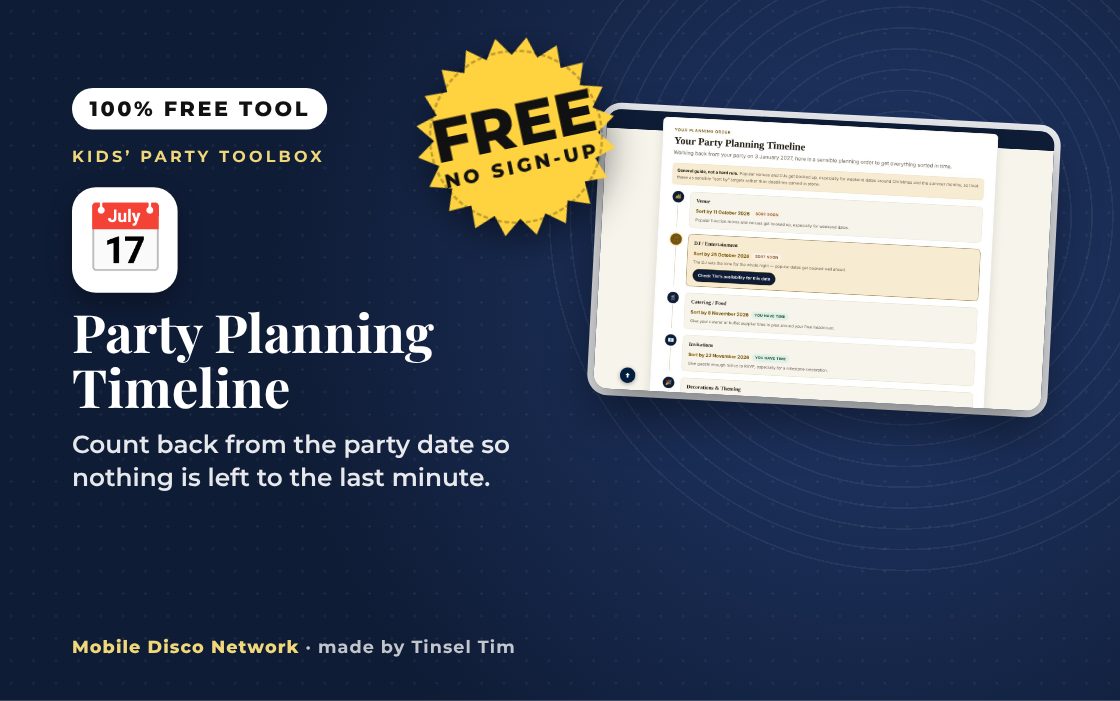
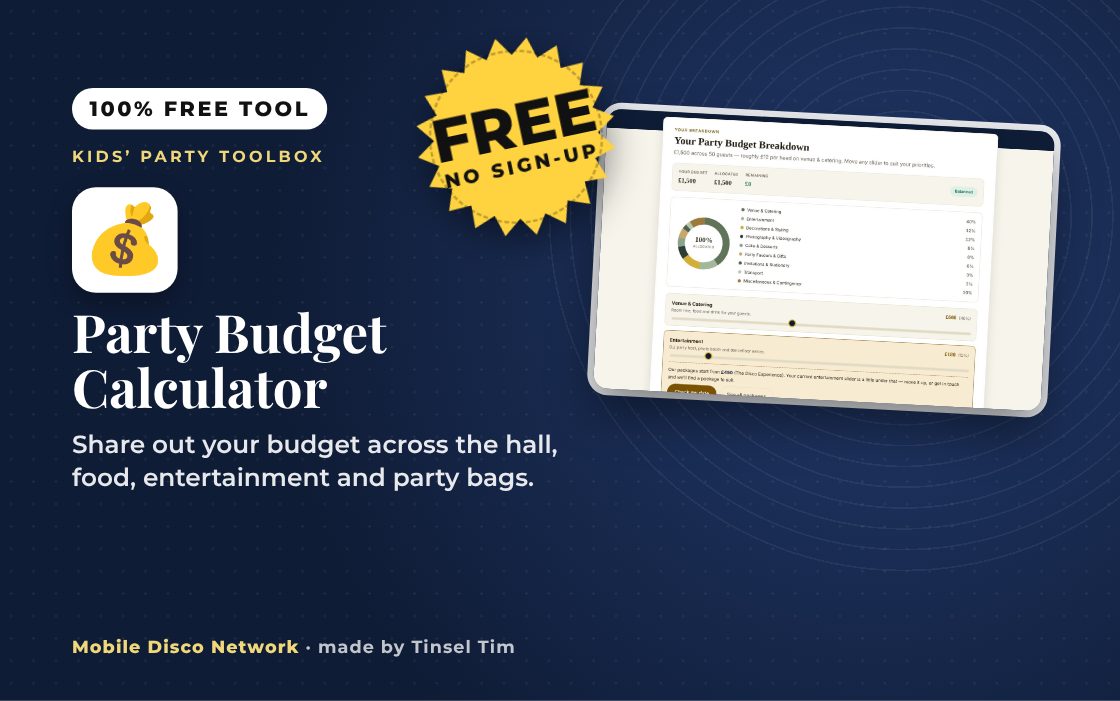
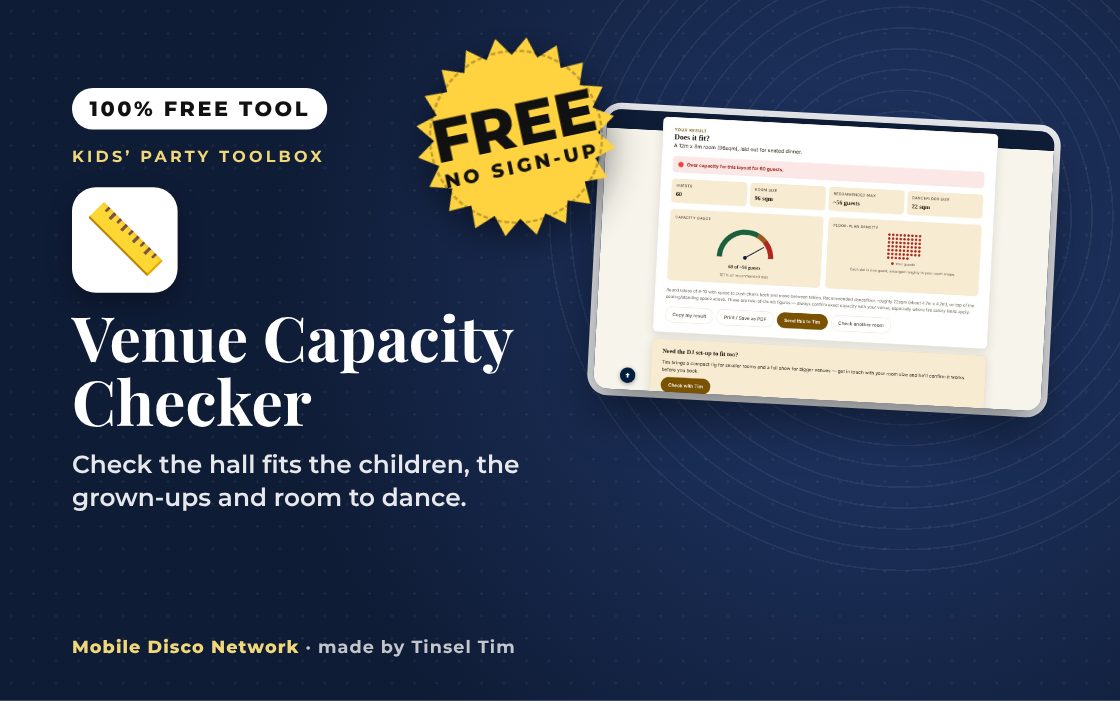
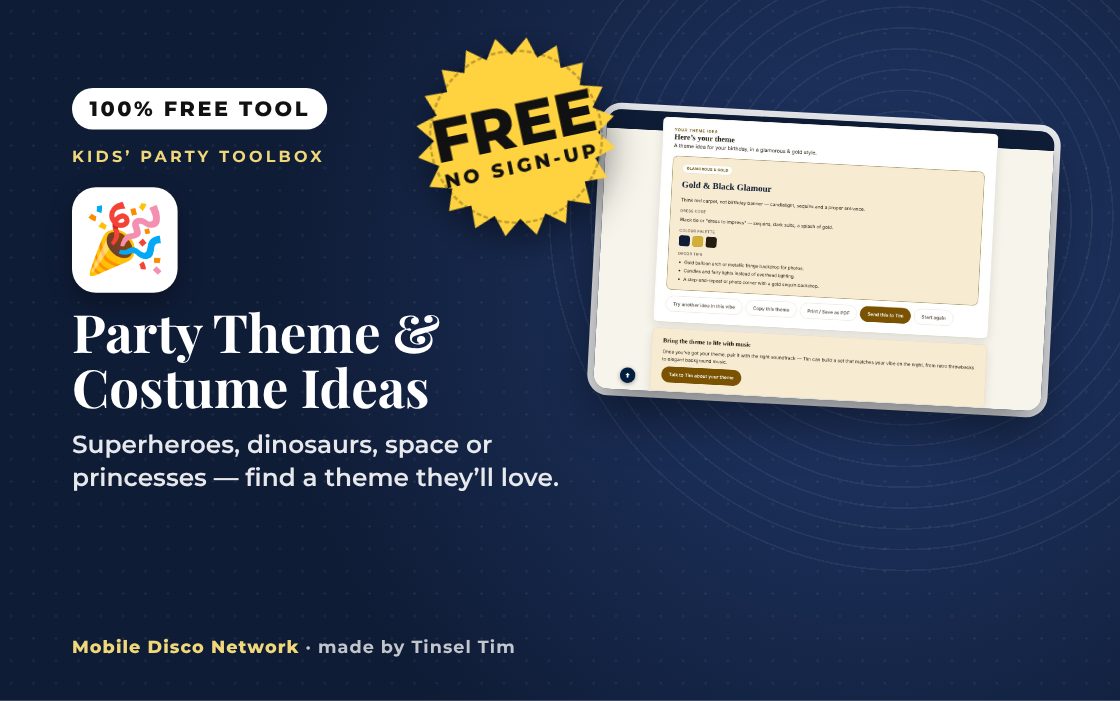
Plan the party
Pick the date, the budget, the hall and the theme first.
Plan the party
Pick the date, the budget, the hall and the theme first.
Invites & guests
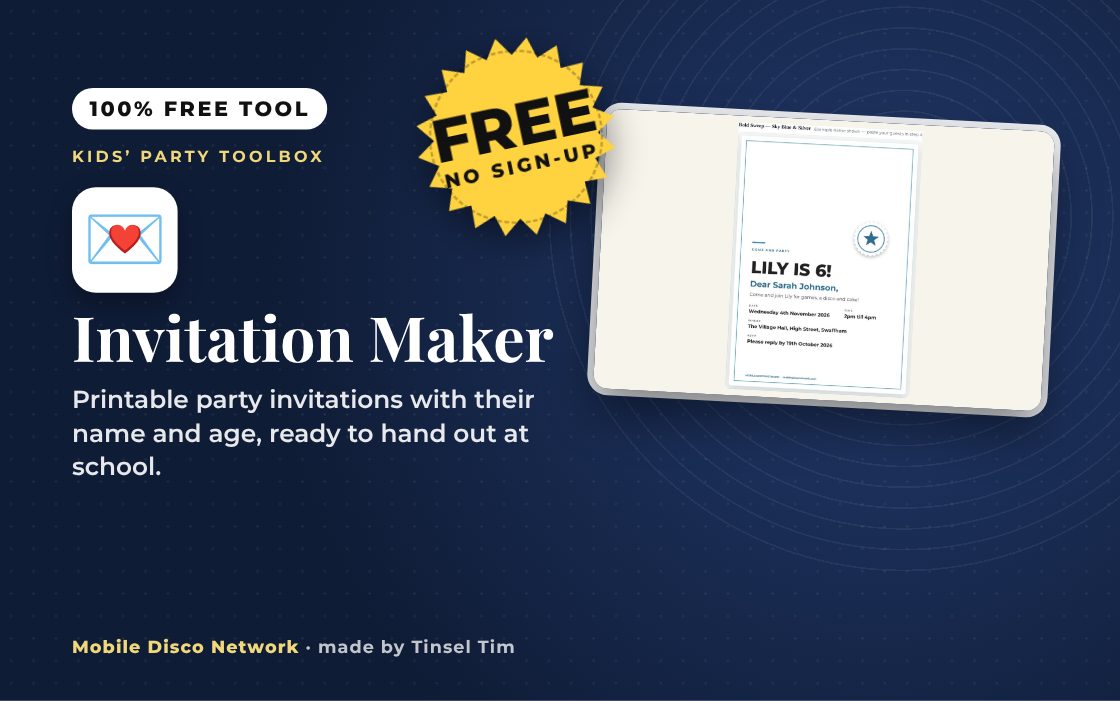
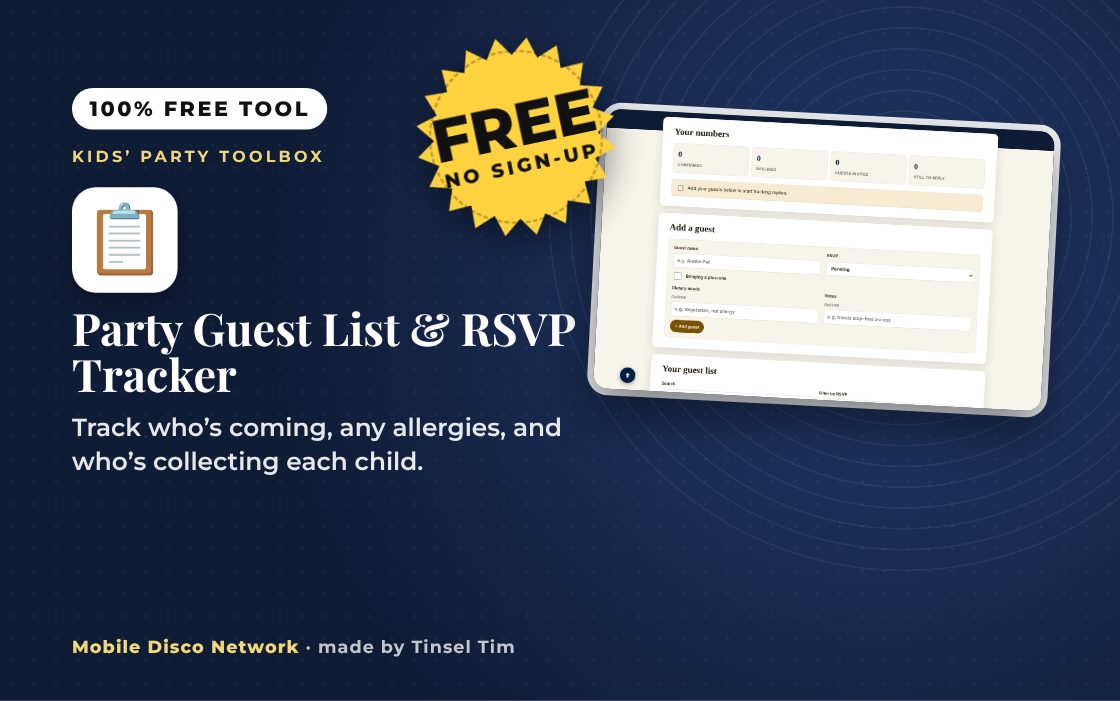
Get the invitations out and keep track of who’s coming.
Invites & guests
Get the invitations out and keep track of who’s coming.
Decorate the room
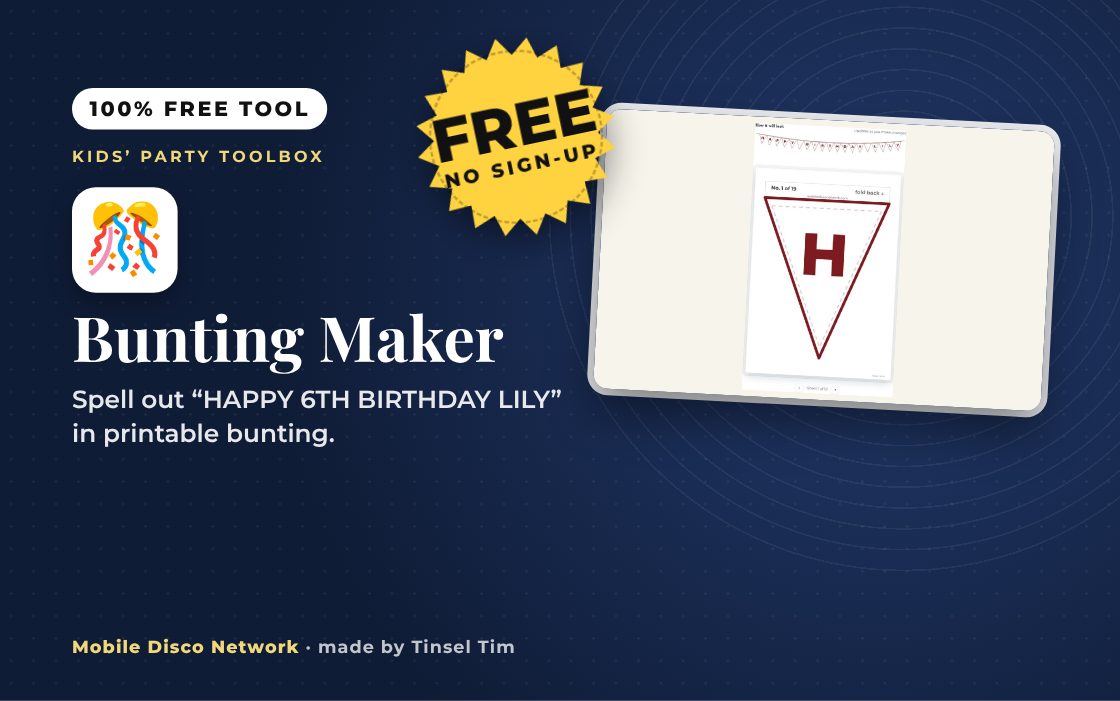
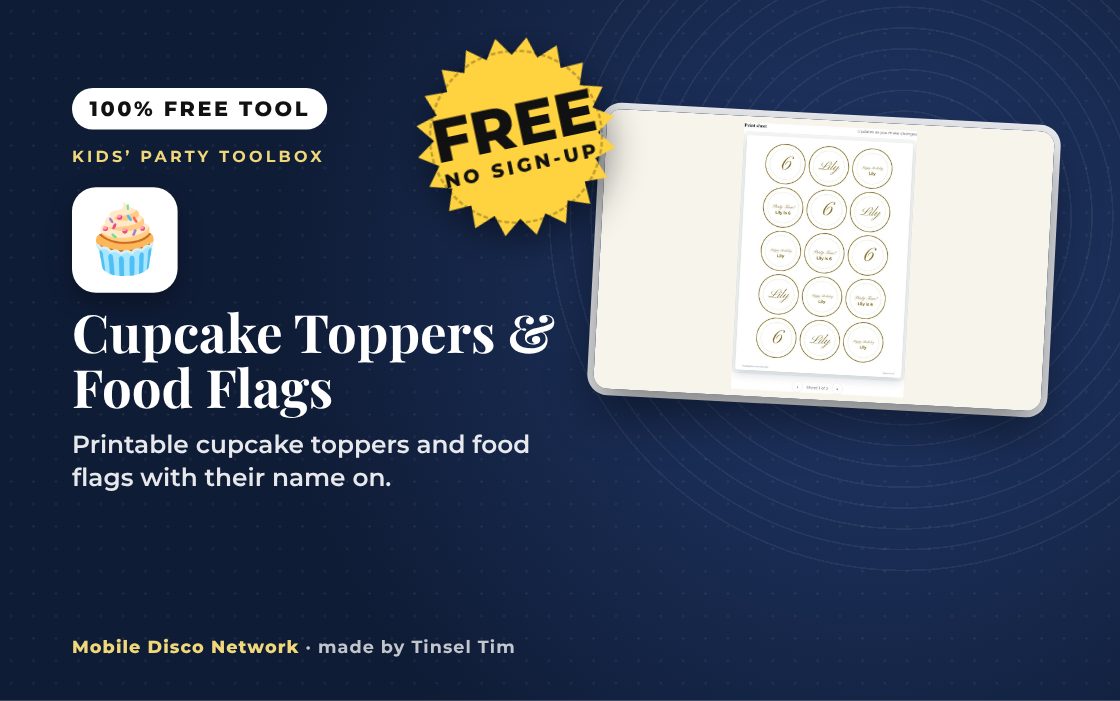
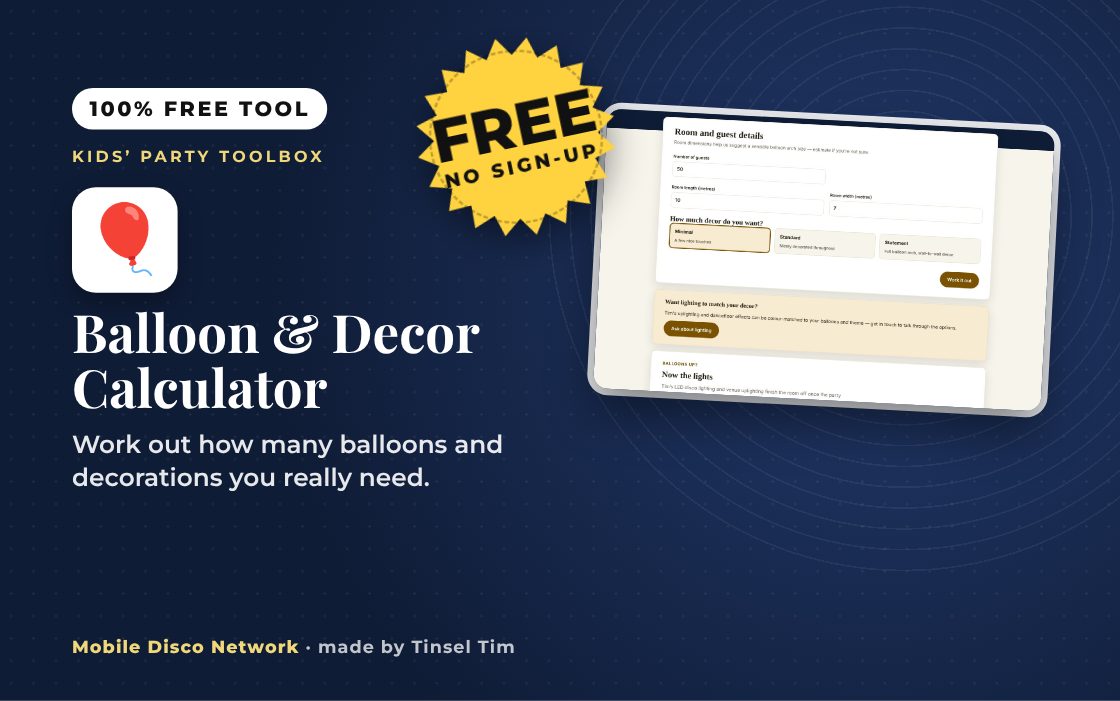
Bunting, signs, balloons and cupcake toppers — all printed at home.
Decorate the room
Bunting, signs, balloons and cupcake toppers — all printed at home.
Food & drink
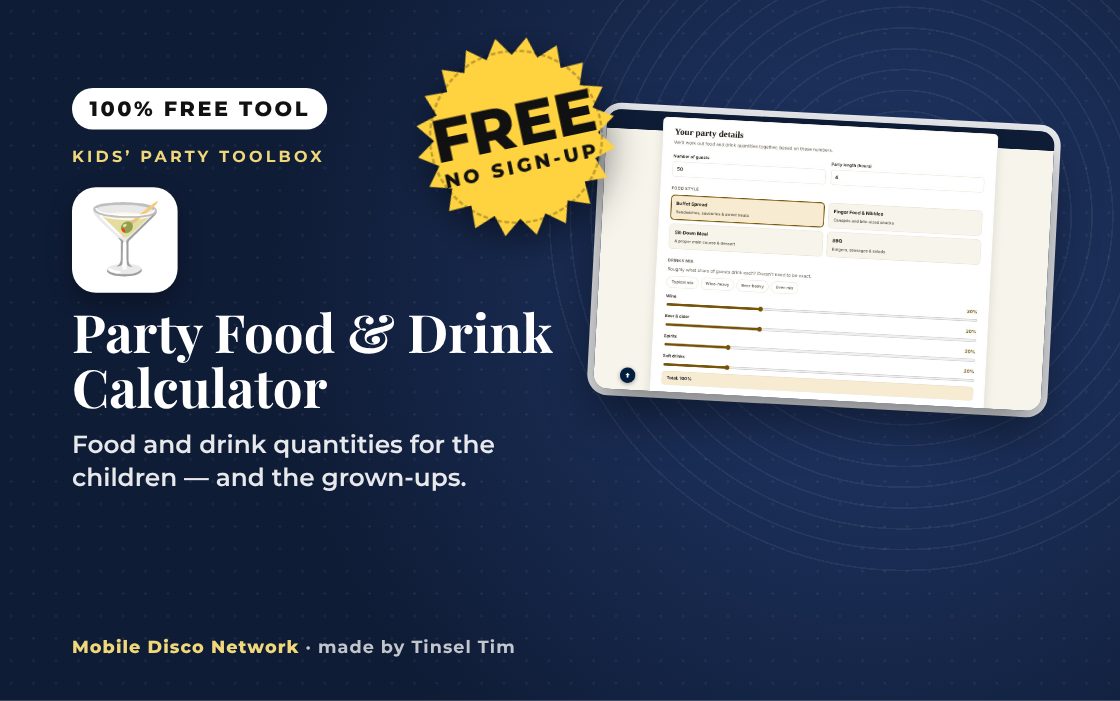
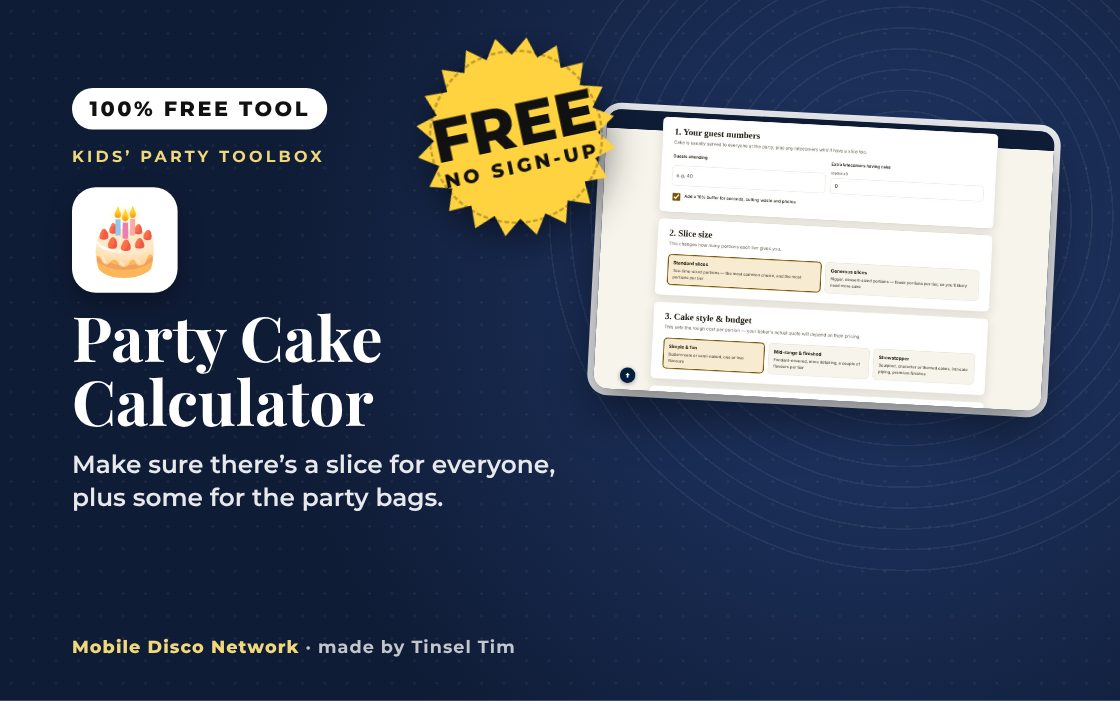
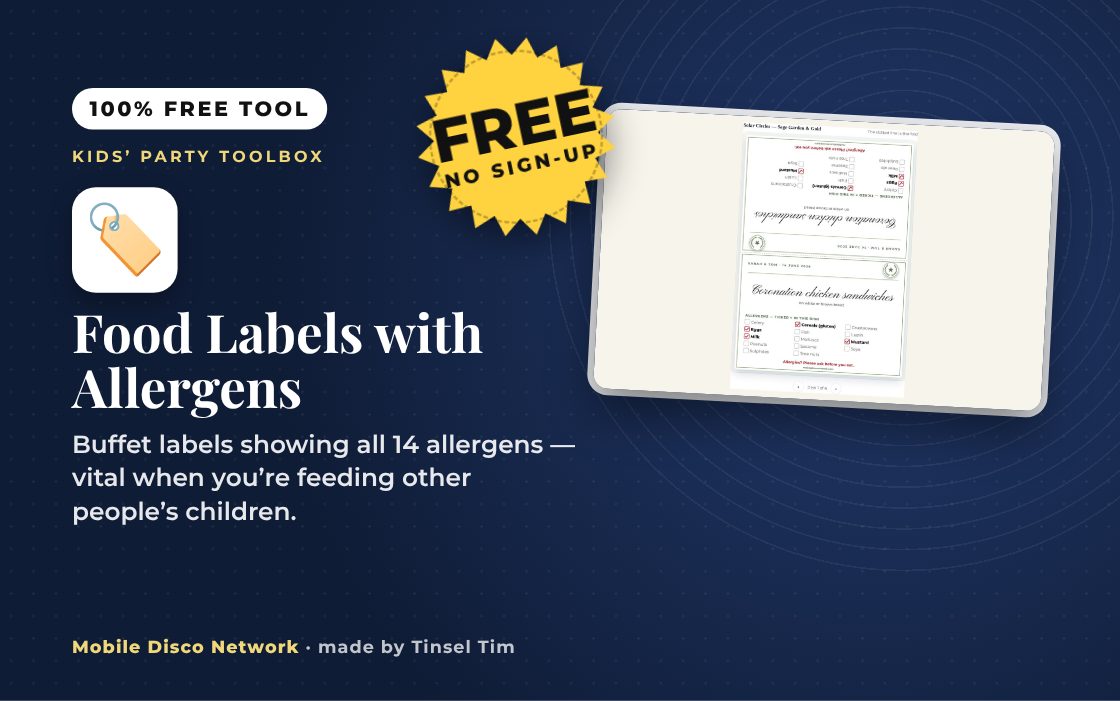
Enough for everyone, with every allergen clearly labelled.
Food & drink
Enough for everyone, with every allergen clearly labelled.
Games & activities
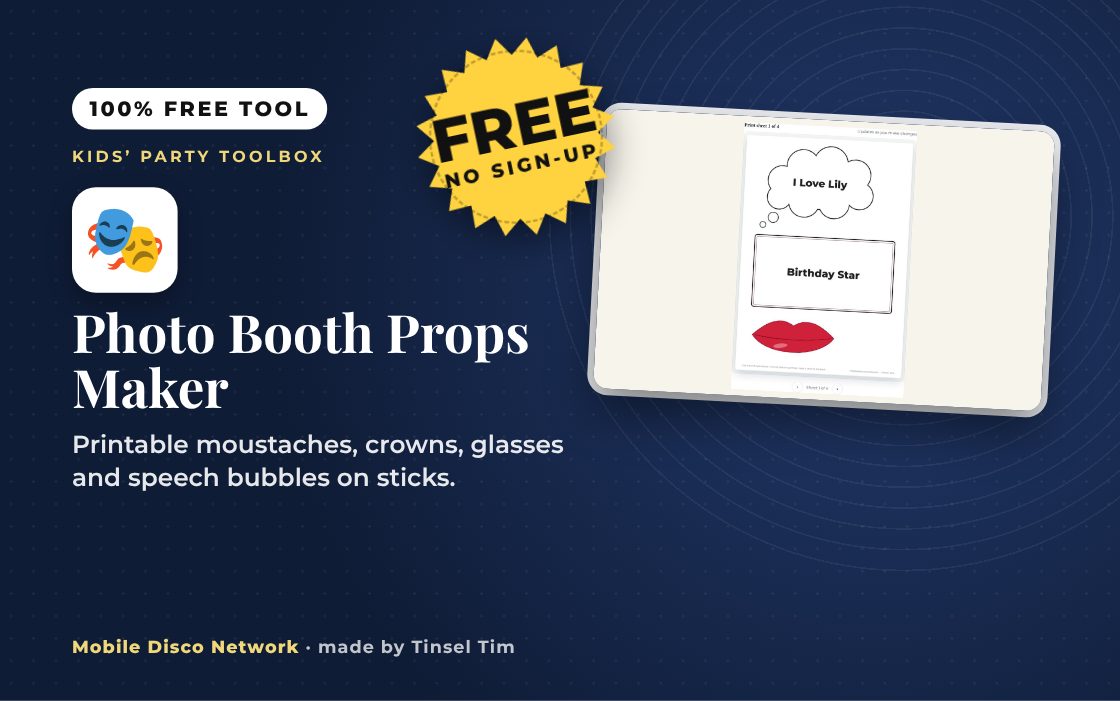
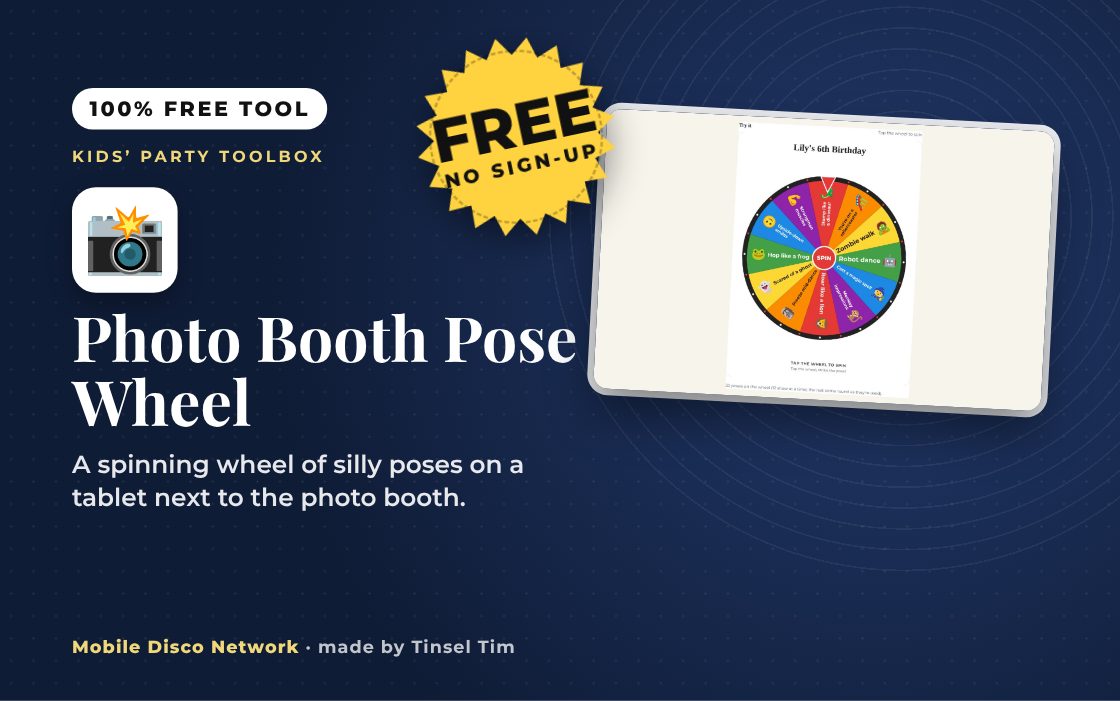
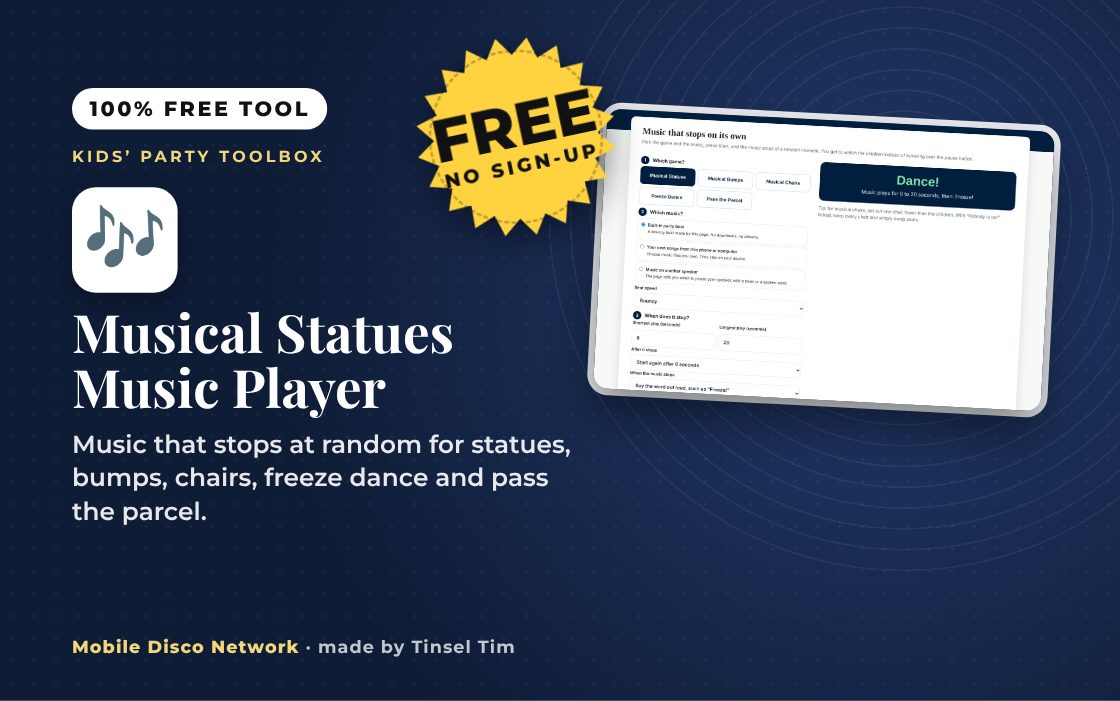
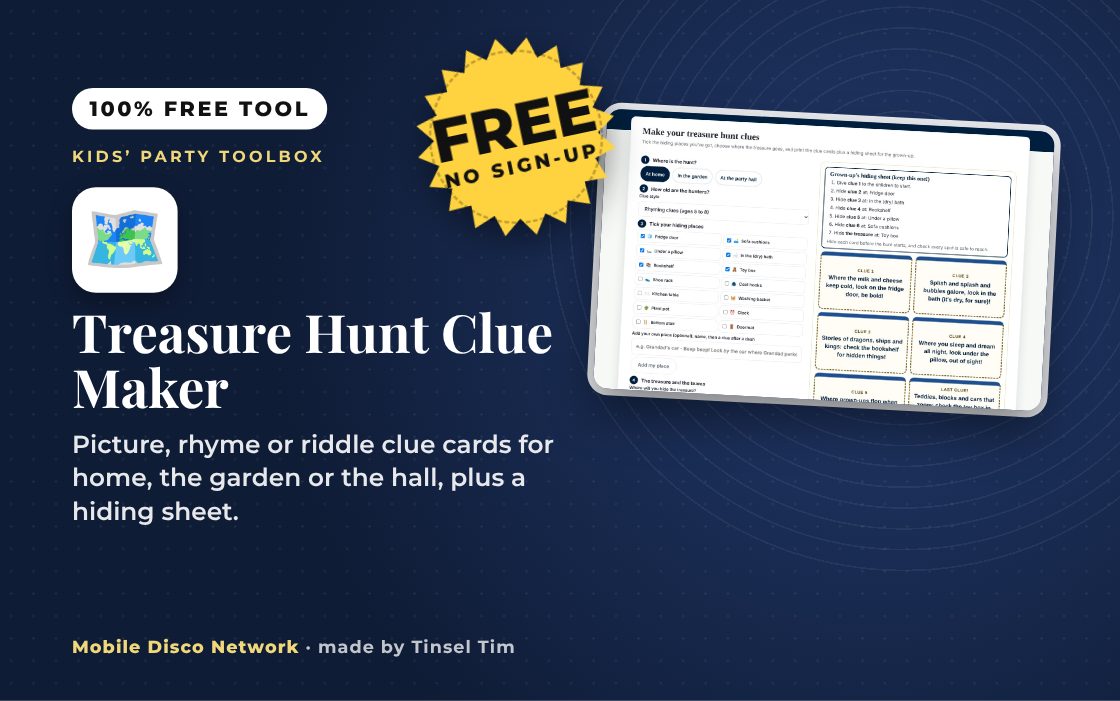
Keep them busy between dances: games, musical statues, a treasure hunt, colouring, masks and photos.
Games & activities
Keep them busy between dances: games, musical statues, a treasure hunt, colouring, masks and photos.
Prizes & home time
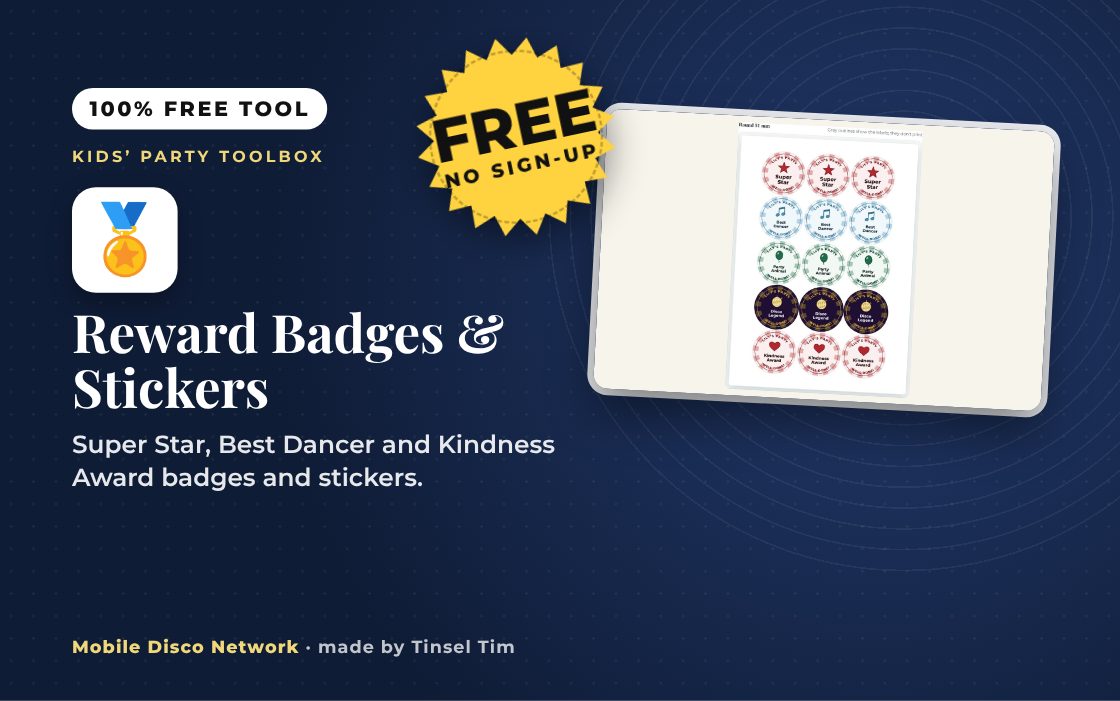
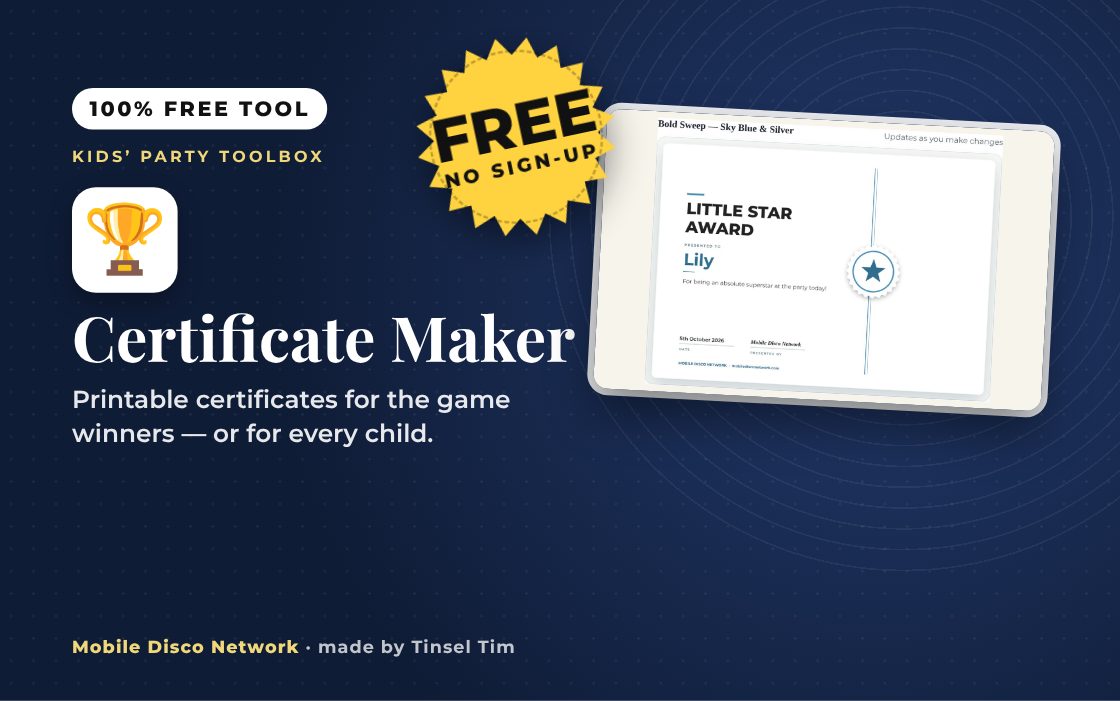
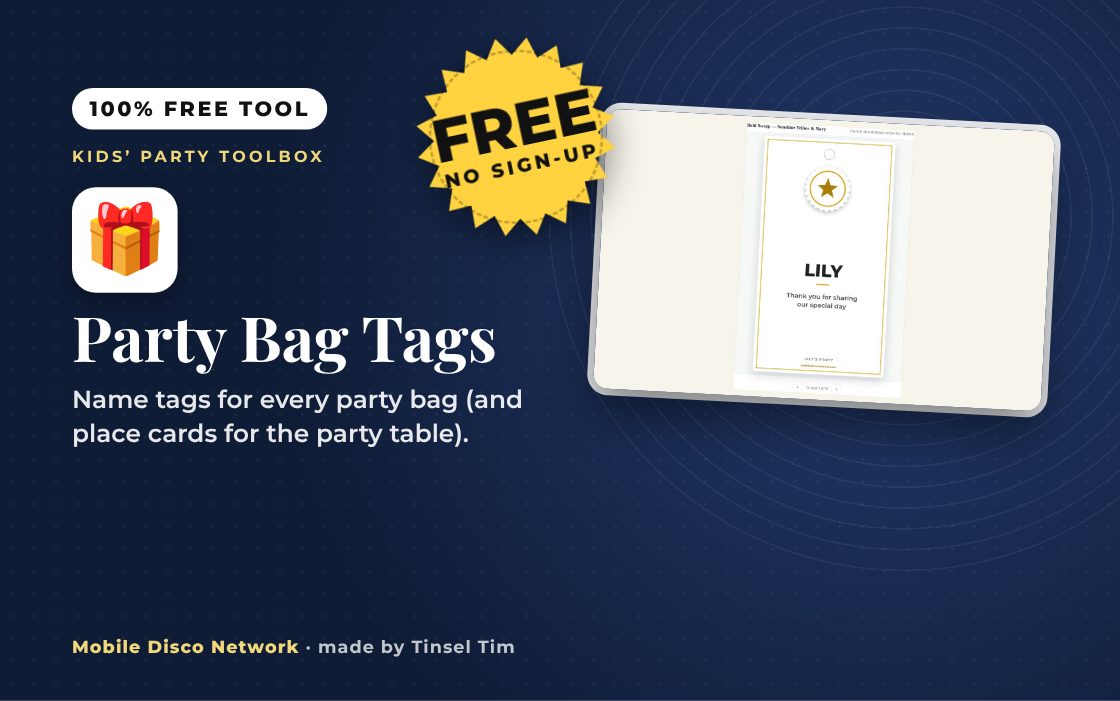
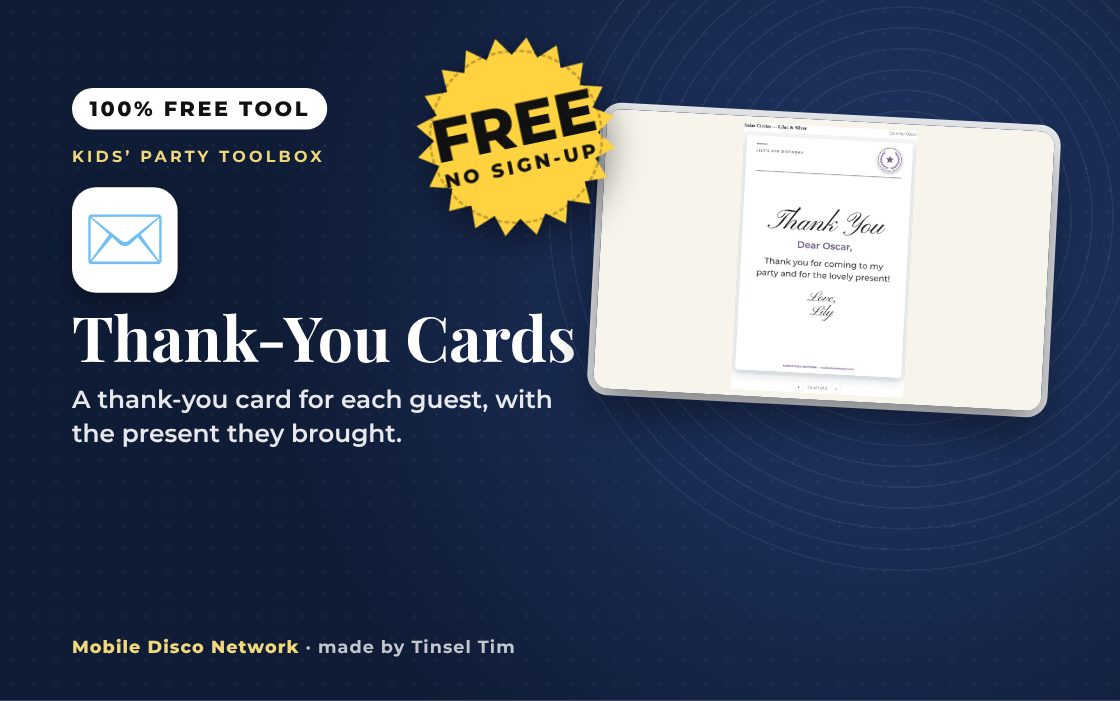
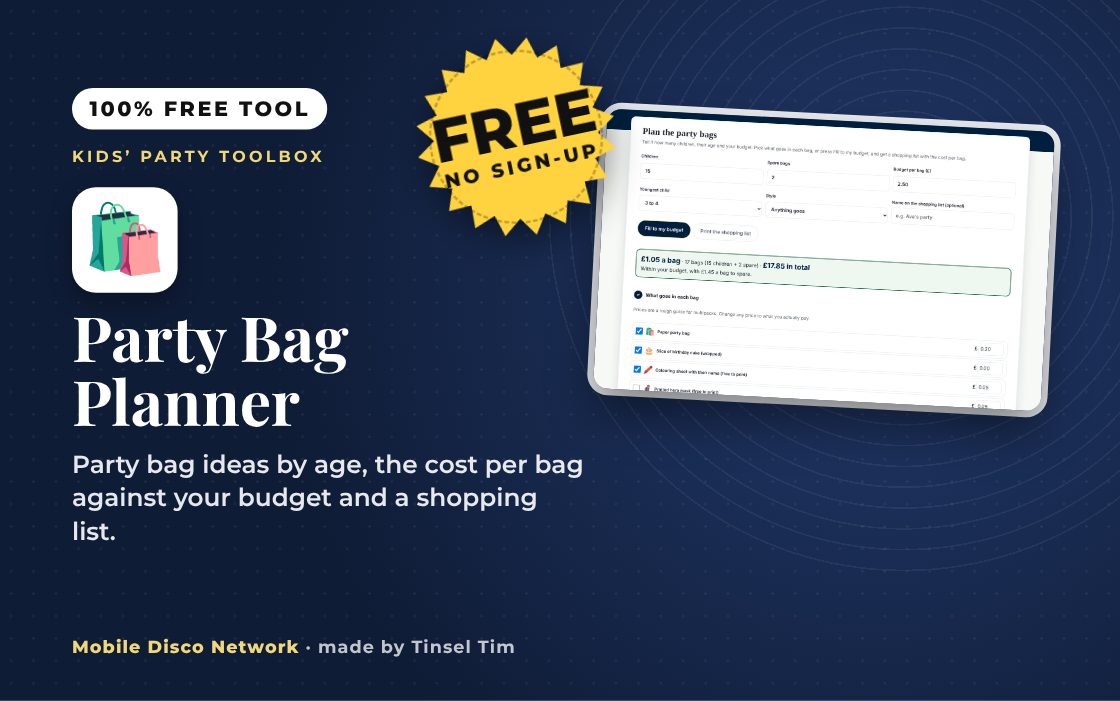
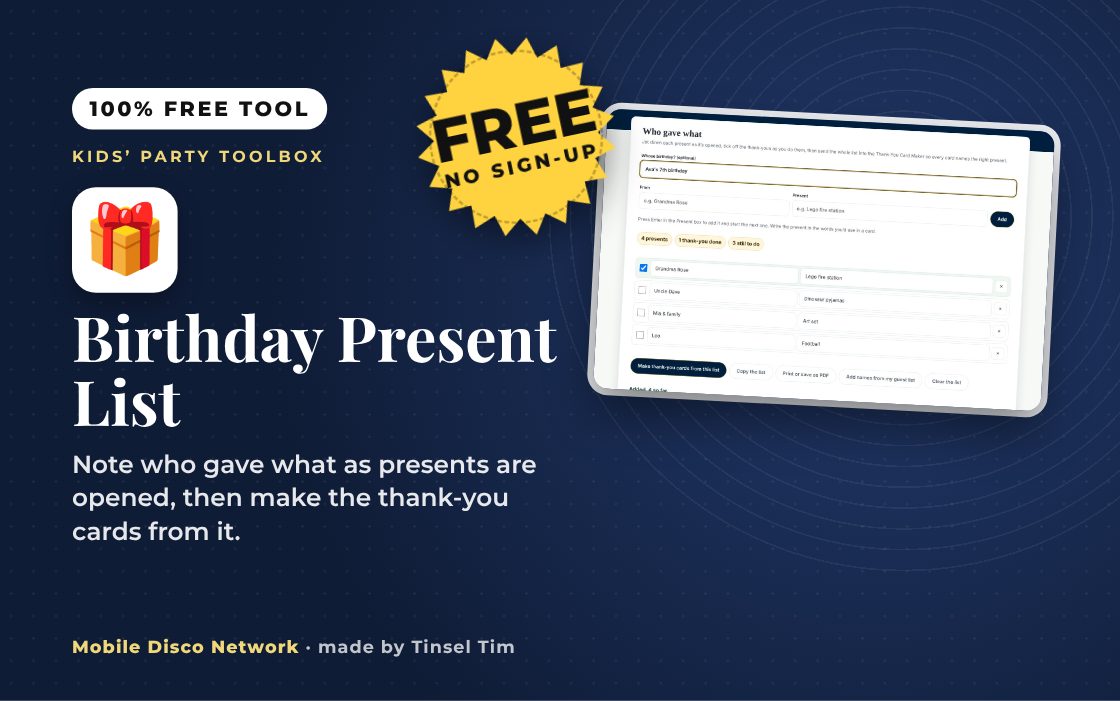
Badges and certificates for the winners, party bags, a present list and thank-you cards.
Prizes & home time
Badges and certificates for the winners, party bags, a present list and thank-you cards.
Inclusive & SEN
Ideas and settings that help every child join in — including children with special educational needs and disabilities.
Inclusive & SEN
Ideas and settings that help every child join in — including children with special educational needs and disabilities.



Common questions
Do I have to book Mobile Disco Network to use these tools?
No — every tool in the Kids Party Toolbox is free to use whether you’ve booked Tim or not. There’s no catch.
Do I need to sign up or create an account?
No sign-up, no account and no email address — open the tool you want and start. The printables make a PDF on your own device, so nothing is uploaded.
Can I print as many copies as I like?
Yes — print as many as you need for your own party. A normal home printer is fine. Use thin card (160–250 gsm) for masks, toppers, badges and bunting, and always print at “Actual size / 100%”.
Is there anything for children with additional needs?
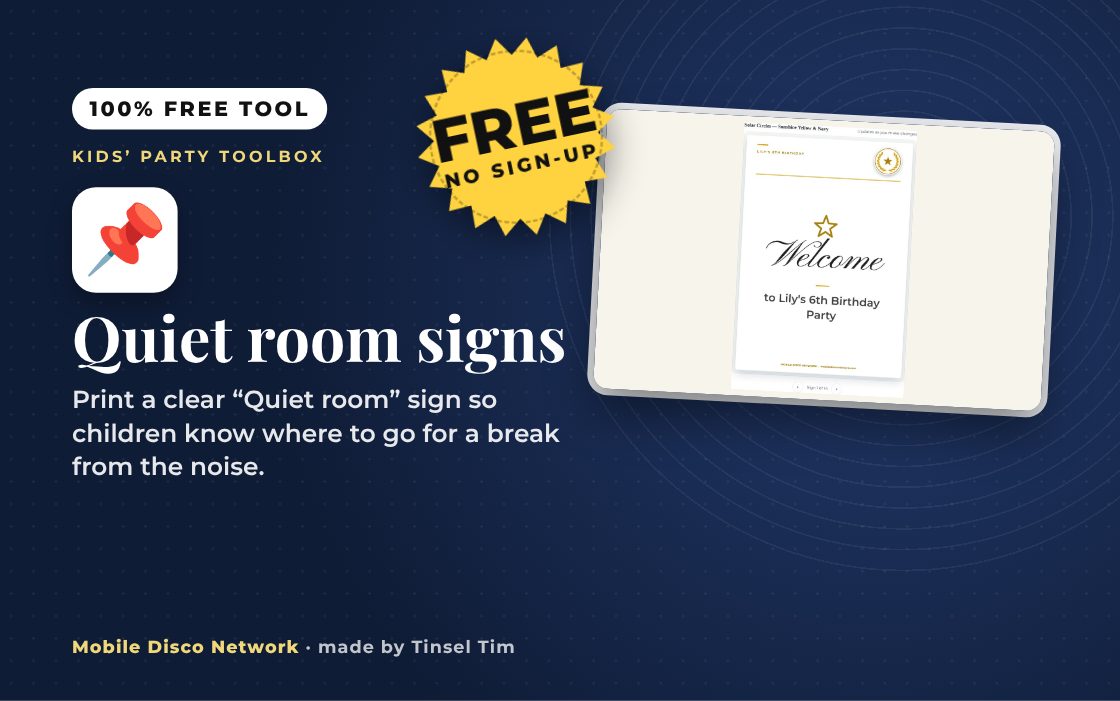
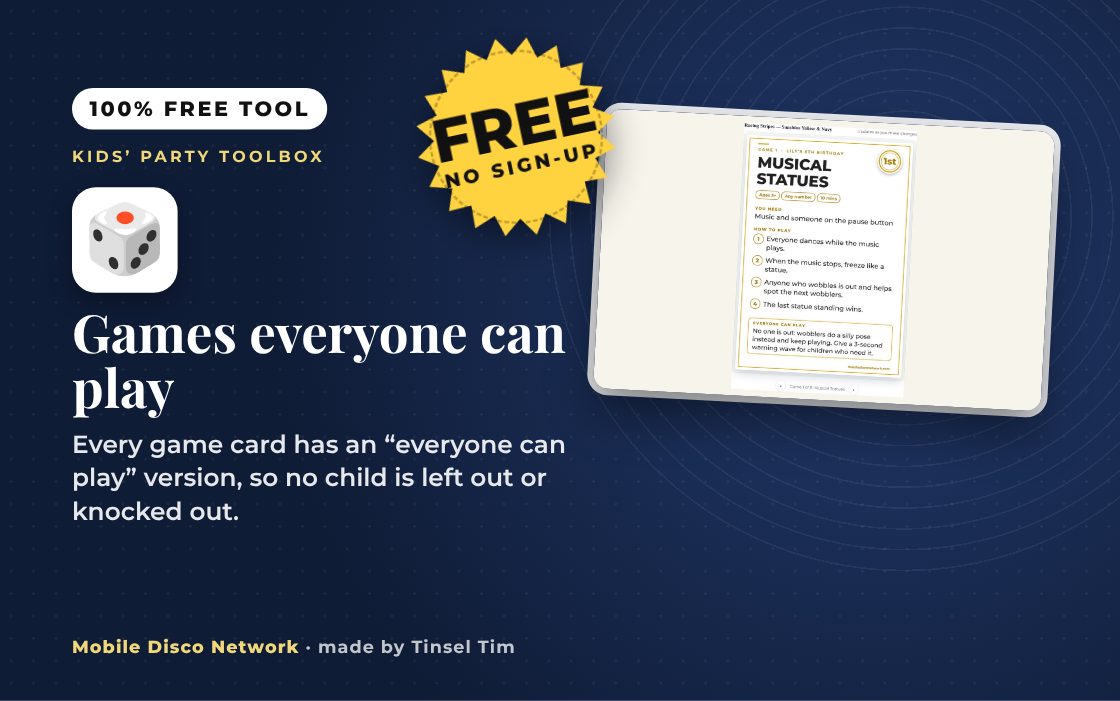
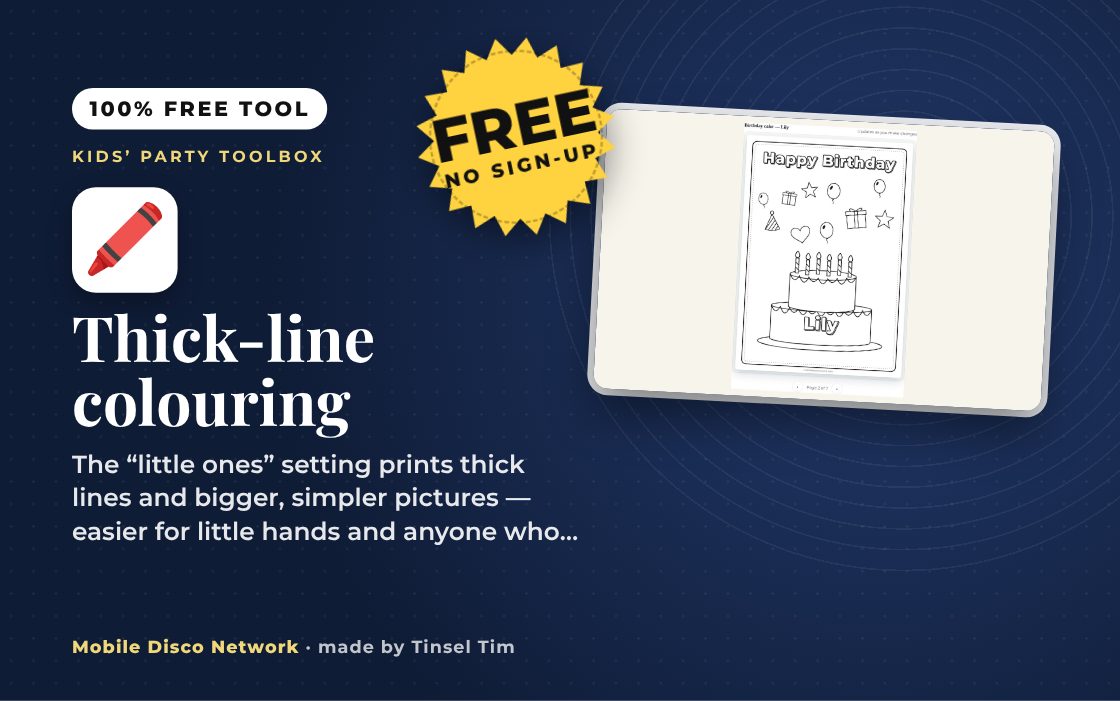
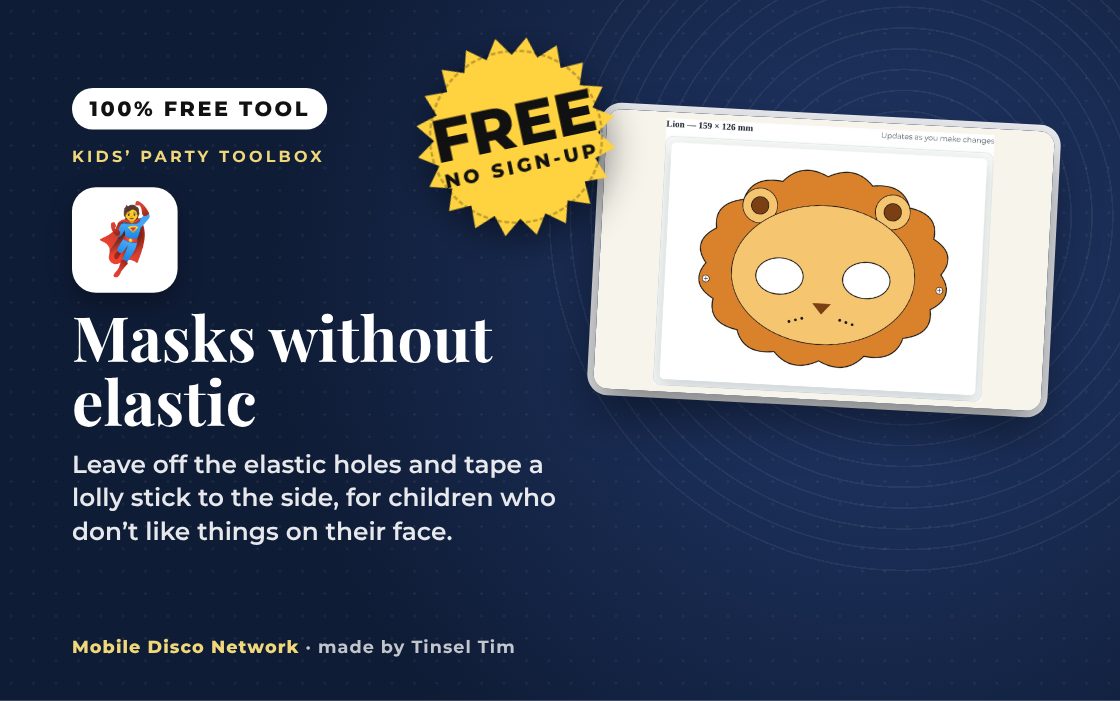
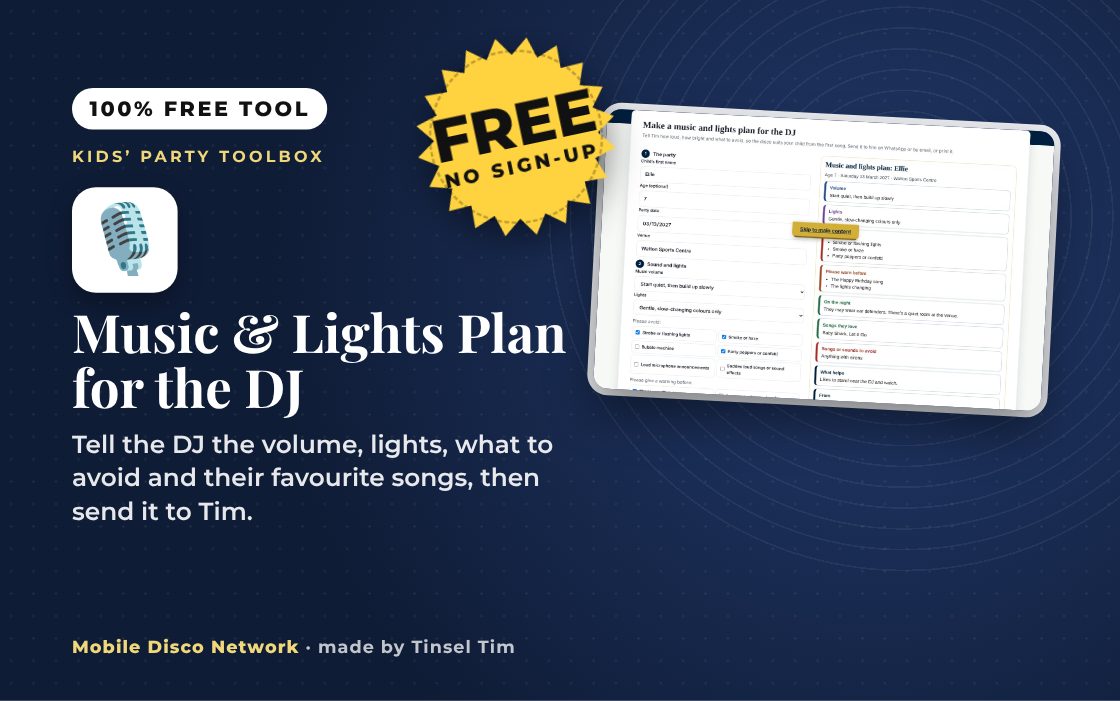
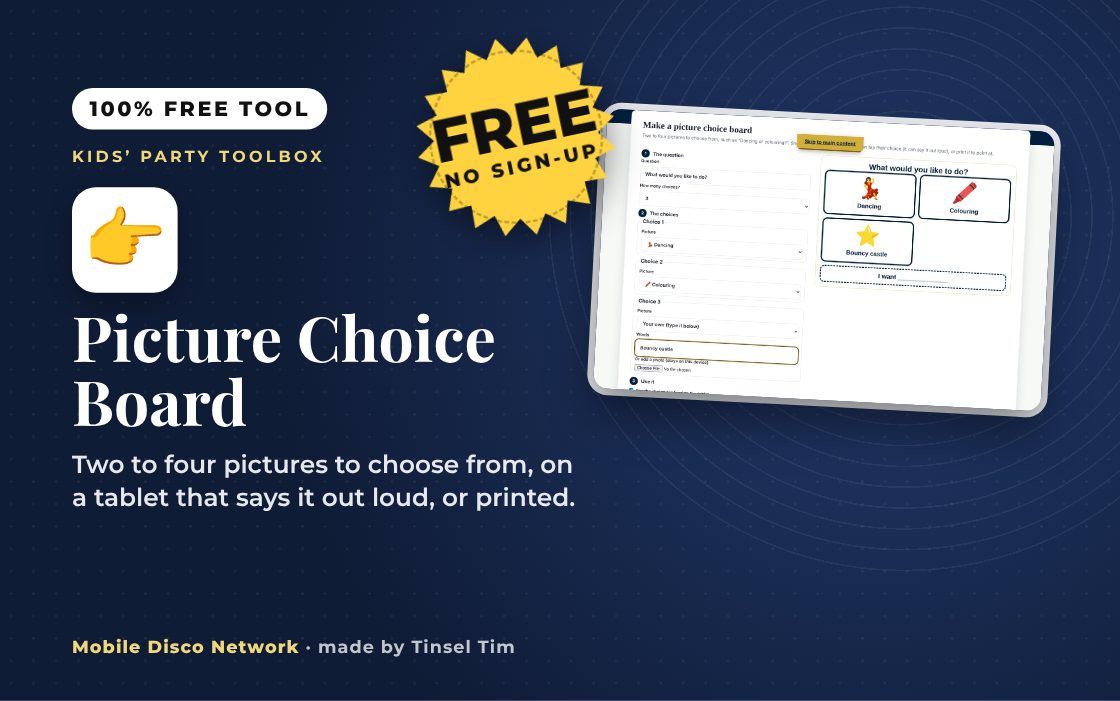
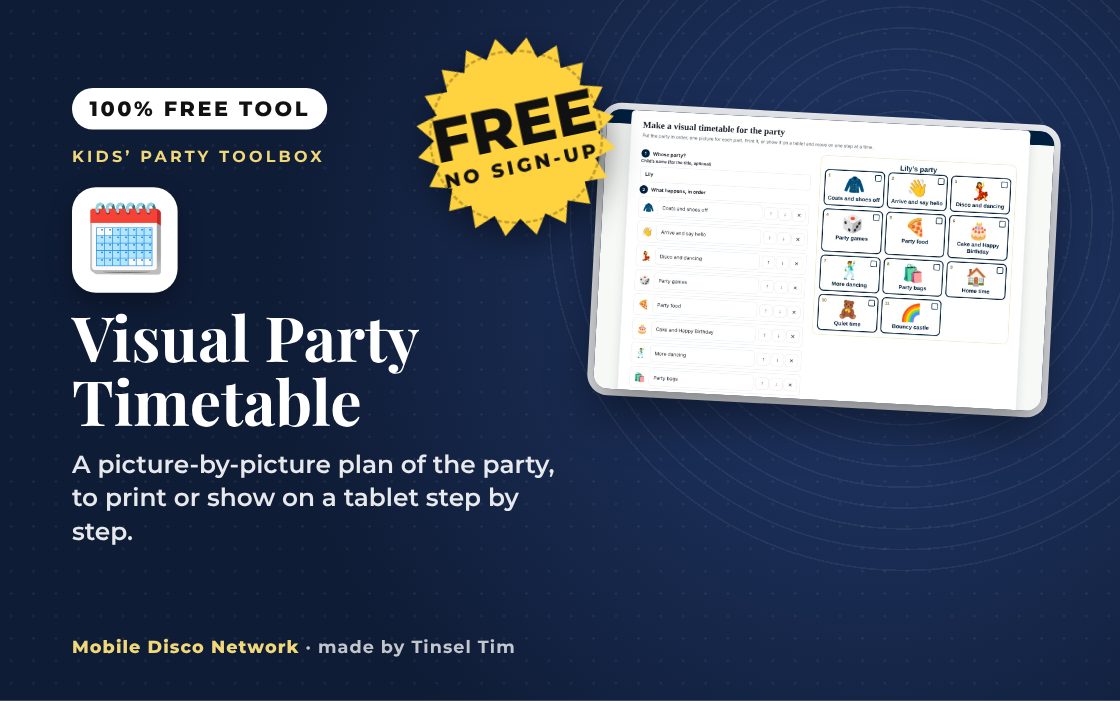
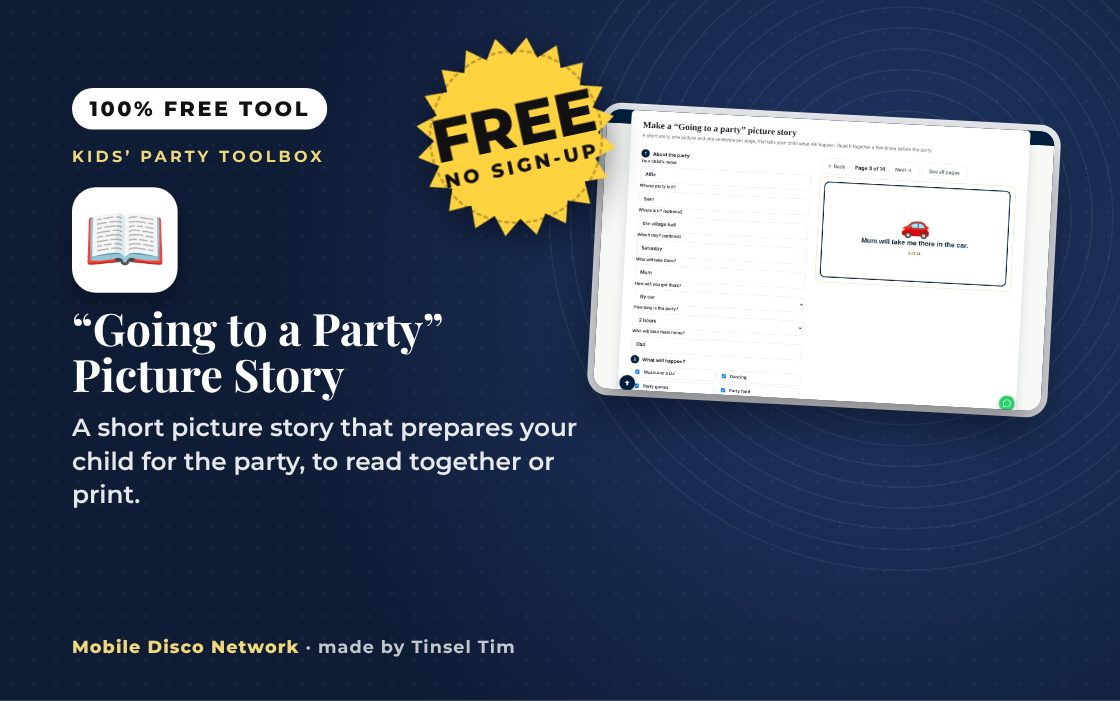
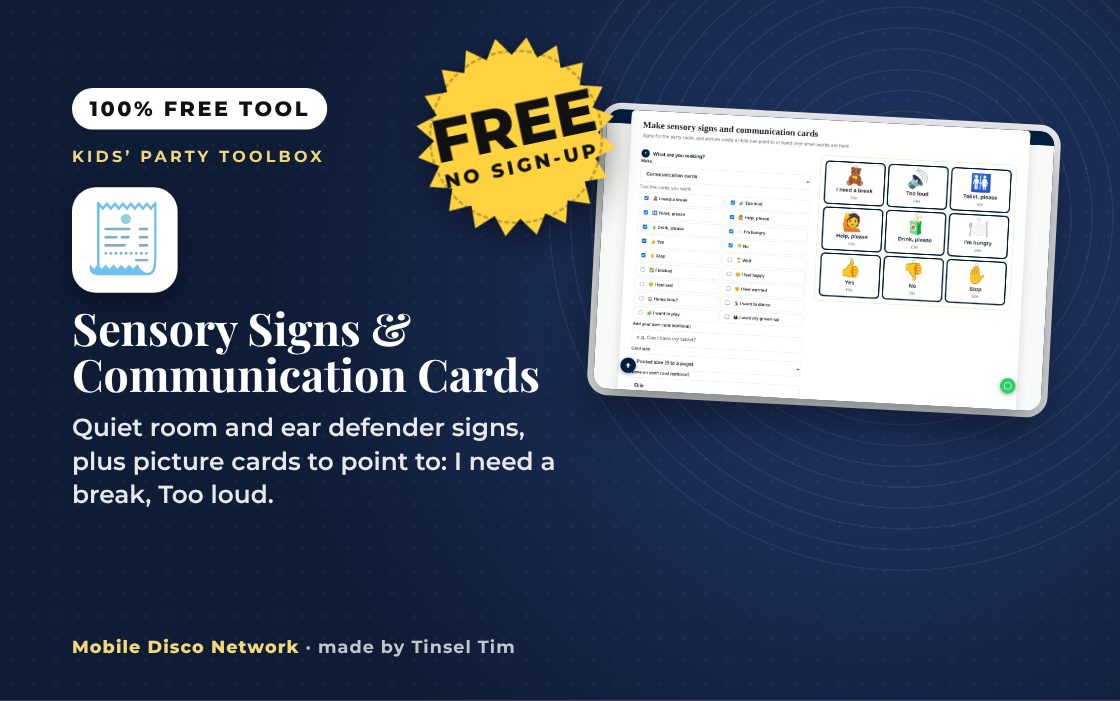
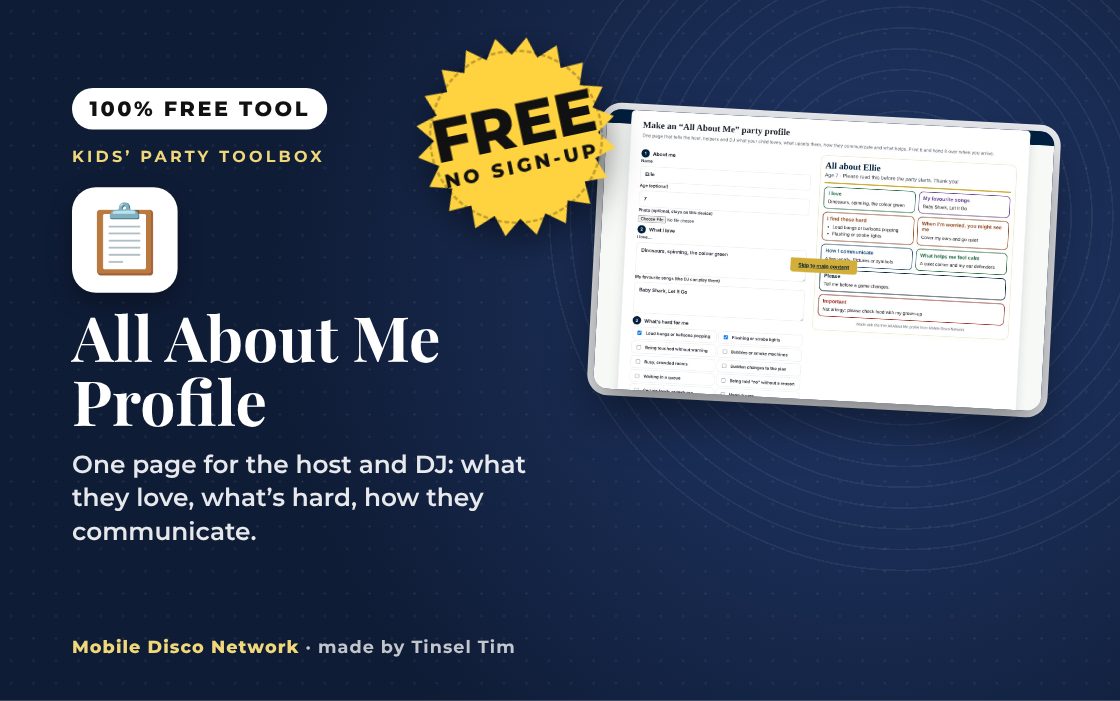
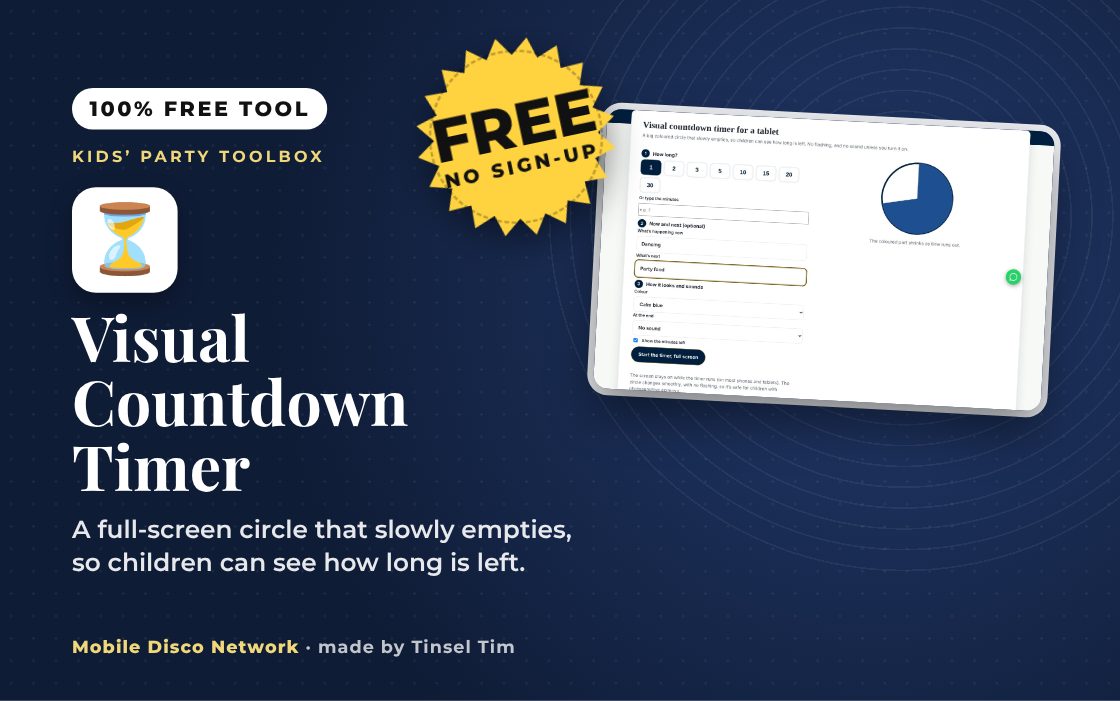
Yes. Every party game card has an “everyone can play” version, and the colouring sheets have a thick-line setting. The masks work on a lolly stick instead of elastic, and the signs pack includes a quiet room sign. Tim also runs Special Needs Discos. There are seven SEN tools too: a music and lights plan for the DJ, a visual timetable, a picture story about going to a party, a picture choice board, sensory signs and communication cards, an All About Me profile and a visual countdown timer.
Which tool should I start with?
Use the “Where Do I Start?” section near the top of this page. It walks through the six stages of planning a children’s party, from the first ideas to the thank-you cards. It points you to the right tool at each stage.
Tim’s tip
Keep each game short and have the next one ready to start. For little ones, the quiet gaps between activities are when attention drifts.

Made by Tim Daymond (Tinsel Tim). Tim has been a DJ since 1976 and has run Mobile Disco Network since 2013. He plays weddings and parties across Norfolk, Suffolk, Cambridgeshire and Lincolnshire. He is a Norfolk County Council Trading Standards Trusted Trader (ID 0000457), a member of the NADJ and the winner of 23 independent awards.
Why choose Tim · Awards · Reviews
Free to use, no sign-up. Last reviewed 11 October 2026.
Ready to book Tinsel Tim for the party?
These 22 tools are free whether you book us or not. But for a children’s disco with the games, party dances and prizes all run for you, we’d love to be there.
Rated 4.9 out of 5 from more than 250 reviews · Norfolk’s Only Trading Standards Approved DJ