Social Media Voice Messages: How Voicely Works
DJ business
Social Media Voice Messages: How Voicely Works
By Tim Daymond, DJ since 1976 · Updated 22 October 2026 · 2 minute read
Norfolk’s Only Trading Standards Approved DJ · Rated 4.9 out of 5 from more than 250 reviews

Social media voice messages used to be a fiddly job for me. I recorded a memo on my phone, emailed it to my laptop, then dropped it into WhatsApp. After that, I had no idea who listened.
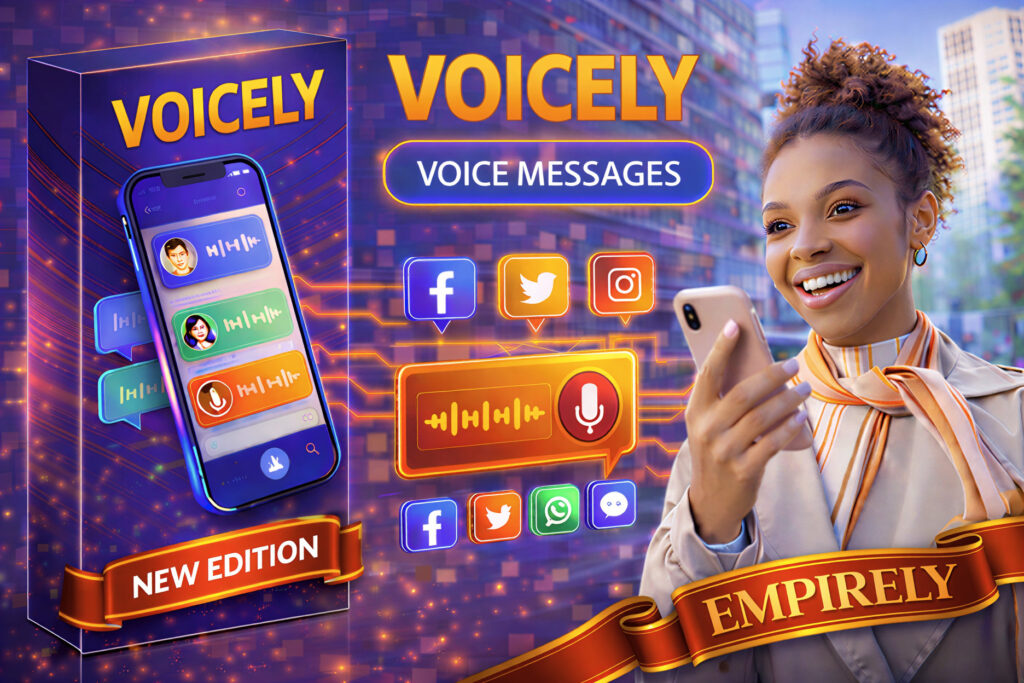
Voicely fixed that. It sits inside Empirely, the platform I call my DJ’s Marketing Toolbox. Its tagline is simple: say it, share it.
Affiliate note: links to Empirely on this page are my affiliate links. If you join through them, I may earn a commission at no extra cost to you. I only describe features I can see in the dashboard.
What Is Voicely?
Voicely is a browser-based voice messaging app in the Empirely Tycoon dashboard. You record a voice note, then send it to social media, email or a shareable link.
It works in Chrome, Firefox, Safari and Edge, with nothing to install. Your recordings also save to the cloud automatically.
Social Media Voice Messages in Five Steps
- Log in to your Empirely Tycoon dashboard.
- Open Voicely in your browser.
- Press record and say your message.
- Stop, and the note saves to your library.
- Share it to Facebook, X, Instagram, WhatsApp or email, or copy an audio link.
Features Worth Knowing
- Auto transcription: every message becomes text for captions or notes.
- Multilingual: it supports several languages.
- Listener counter: see how many people played each message.
- Playback speed: listeners can slow down or speed up.
- Project folders: sort messages by client, campaign or topic.
- Unlimited cloud storage: according to Empirely, there’s no cap on saved messages.
How a DJ Can Use Voice Messages
A voice note feels warmer than a typed email. For example, a DJ could send a short thank-you after an event. Or a quick update about the playlist before the big day.
The transcript also helps guests who prefer reading. And the listener counter shows whether a client has heard an important update.
The Honest Limits
- You need the Tycoon plan, not the entry tier.
- Transcripts still need a quick check for names.
- Some people prefer written messages, so always offer both.
A friendly voice helps, but proof builds trust. That’s why I point clients to my reviews and my Trading Standards Approved status.
For plans and prices, read my AI marketing toolbox guide. Or visit Empirely for the current offer.
Voicely Questions
What is Voicely?
A browser-based voice messaging app inside the Empirely Tycoon dashboard.
Can I share voice notes straight to social media?
Yes. One click sends them to Facebook, X, Instagram, WhatsApp or email.
Does it transcribe messages?
Yes. Every message gets an automatic text transcript.
How does the listener counter work?
It shows how many people have played each message, inside your dashboard.
About the author
Tim Daymond (Tinsel Tim) has been a DJ since 1976 and founded Mobile Disco Network in 2013. He plays every booking himself across Norfolk, Suffolk, Cambridgeshire and Lincolnshire.
Want a Friendly DJ for Your Event?
I’m always happy to chat, and I play every booking myself. Check your date or give me a call.