
Make a party video in a minute
Add your photos and music, type the details and press Make my video. It’s made on this device: nothing is uploaded.
1 Your photos
Add 1 to 6 photos, or drop them here. No photos? It still works, with moving party lights instead.
2 Your music
3 Your words
4 The look
5 Effects and transitions
Pick the party date for a “12 days to go!” sticker. It works out the days on the day the video is made.
Your photos and music stay on your device. Only use photos you have permission to share, and music you own or have the rights to use.
Planning an event?
Got everyone excited? Now book the party
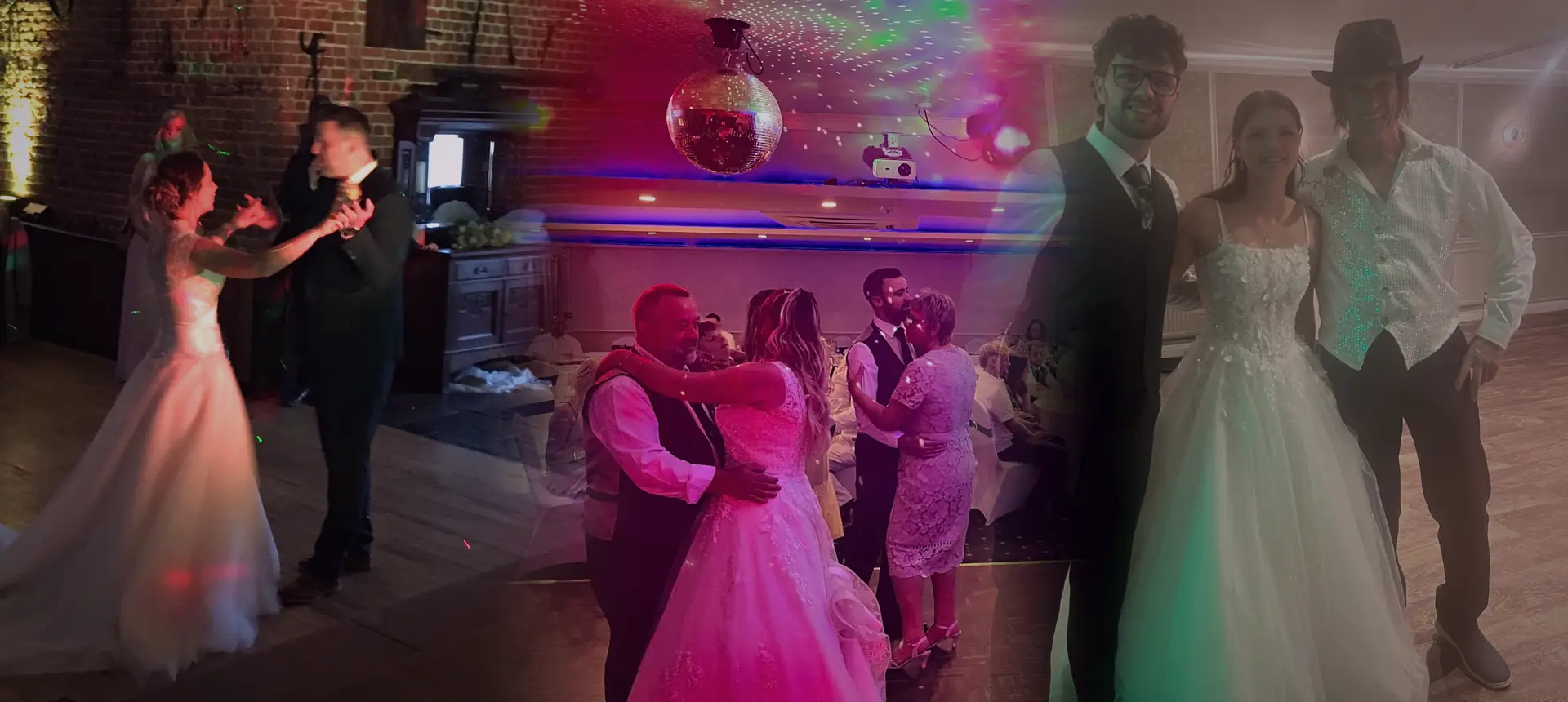
Tinsel Tim brings the music, the lights and a full dance floor to birthdays, weddings and parties across Norfolk, Suffolk, Cambridgeshire and Lincolnshire.
Rather talk it through? Call Tim on 07796 565918 or 01760 722283, or message him on WhatsApp.
Rated 4.9 out of 5 from more than 250 reviews · Norfolk’s Only Trading Standards Approved DJ
Save, share or send
Enter your details once for every tool. They’re kept only in your browser.
Keep a copy
Is Tim free on your date?
Tim plays every booking himself, so dates go quickly. Pick your date and he’ll check his diary and reply.
Quick guide
How to use the party video maker
- Add up to 6 photos.
- Choose your music, the demo beat or no music.
- Type the headline, date and place.
- Pick a look, a shape and a length.
- Choose your effects and transitions.
- Press Make my video, then download it or share it to an app.
What it does
- 1 to 6 photos with slow zooms, or moving party lights if you have none
- Your own music, a demo party beat, or no music so you can add a sound in the app
- Graphics that pulse to the beat
- 4 looks: Neon Disco, Gold Glam, Retro 80s and Wedding Elegant
- 6 photo changes: soft fade, slide, zoom burst, camera flash, spin and glitch
- Words that rise, pop in, type out or flicker like neon
- Confetti, stage light beams, mirror ball sparkles, beat flash and bounce
- Black and white, vintage film or extra colourful photos, plus a countdown sticker
- Tall, square or wide, 15, 20 or 30 seconds, made on your device
Use it with
- Invitation Maker – paste your guest list and get a personalised printed invitation for every guest, as a PDF with cut lines or a ZIP of images to send
- Wedding Hashtag Generator – get dozens of wedding hashtag ideas from your names, surname, year and place. Star favourites and print a sign for guests
- Social Media Moments Shot List – a tick-off list of 23 party photo and video moments in five groups, to hand to a friend so the best bits get captured
- Background Music Player – play your own songs as background music at a party, wedding or event, with smooth blends between songs and a button to dip the music for speeches
Questions
Party Video Maker: common questions
Is the video an MP4?
Chrome, Edge and Safari save an MP4, which Instagram, TikTok, Facebook and WhatsApp all accept. Some browsers, such as Firefox, save a WebM file instead.
Why might Instagram or TikTok mute my song?
Those apps can mute music they don't have the rights to. Pick No music here, then add the song from the app's own sound library when you post.
Are my photos uploaded anywhere?
No. The video is made on your phone, tablet or computer. Nothing is sent to Mobile Disco Network or anyone else.
How long does it take?
As long as the video, so 15 to 30 seconds. Keep the page open and on screen while it's made.
Can I use it for a wedding?
Yes. The Wedding Elegant look works well for a save-the-date or a thank-you video.
Tim’s tip
Post your video about two weeks before the party, then share it again the day before. It gets people talking, and they'll arrive ready to dance.
Made by Tim Daymond (Tinsel Tim). Tim has been a DJ since 1976 and has run Mobile Disco Network since 2013. He plays weddings and parties across Norfolk, Suffolk, Cambridgeshire and Lincolnshire. He is a Norfolk County Council Trading Standards Trusted Trader (ID 0000457), a member of the NADJ and the winner of 23 independent awards.
Why choose Tim · Awards · Reviews
Your privacy: this tool runs in your browser. Nothing you type is sent to Mobile Disco Network or stored on a server. Your work is saved in this browser only, so it is there when you come back; clearing your browser data removes it.
Free to use, no sign-up. Last reviewed 11 October 2026.
Did this help?
Leave Tim a review
If this tool helped with your celebration planning, we’d love a quick review — whether you’ve booked Tim or not. It helps him keep this toolbox free and build more tools like it.
Leave a review →Planning an event? Check Tinsel Tim is free on your date. Check your date → WhatsApp Tim